
EasyReefs products
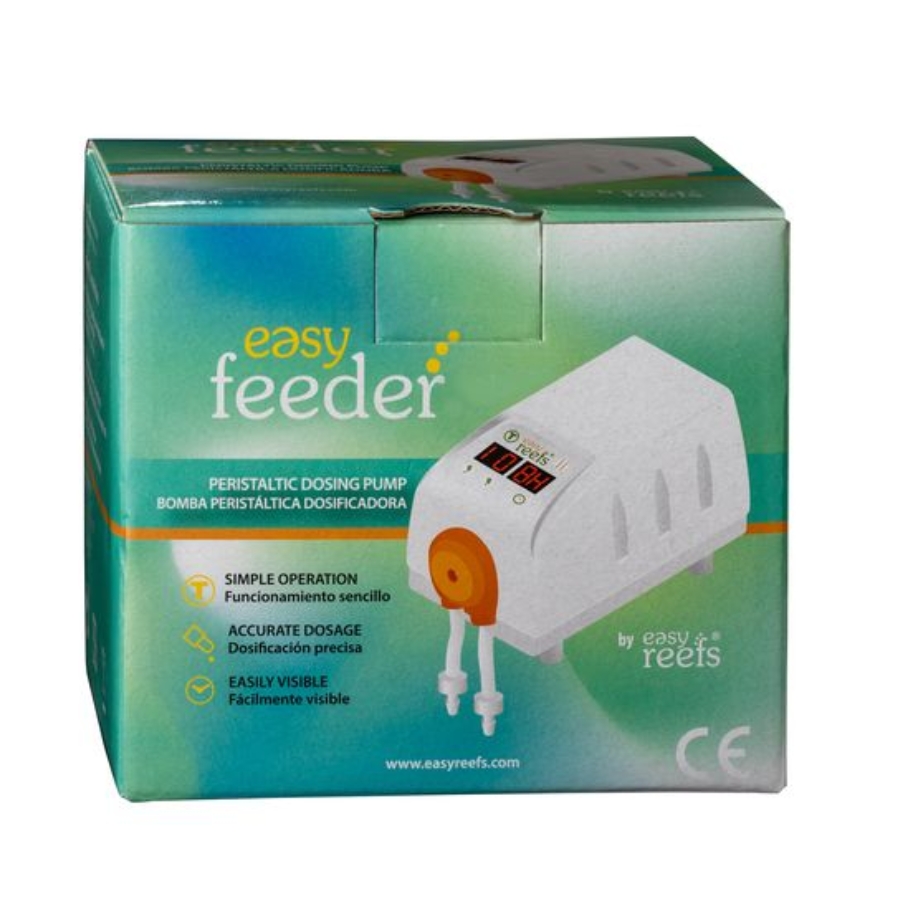
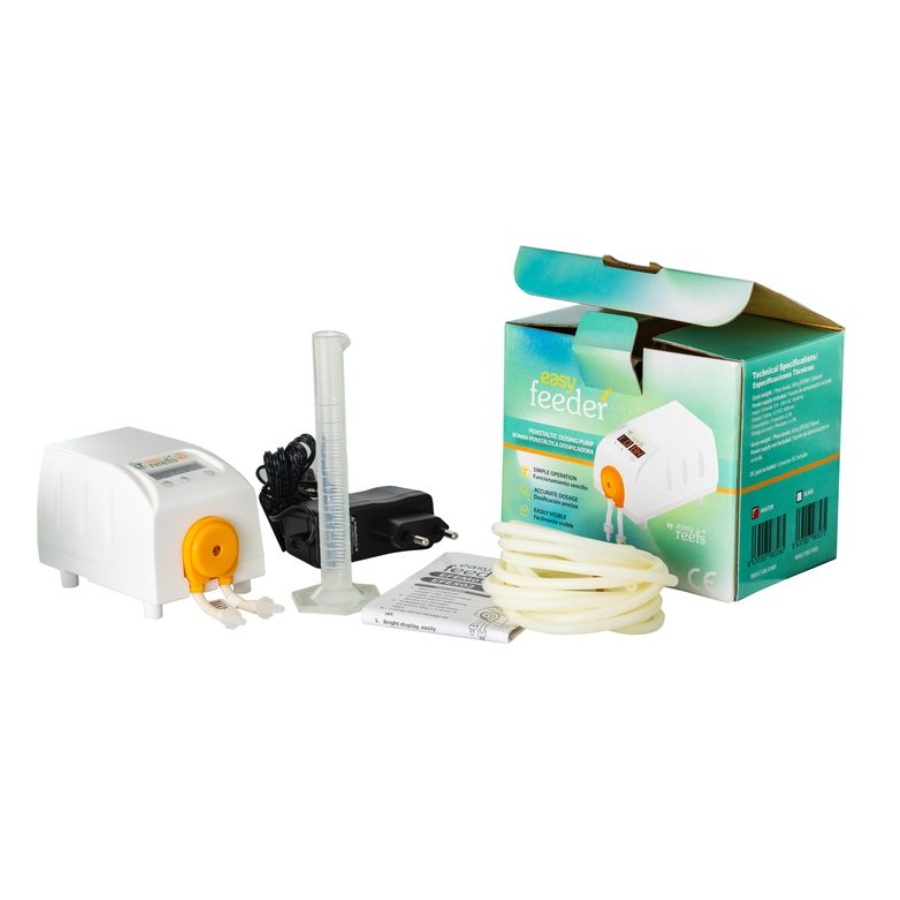

Easyfeeder
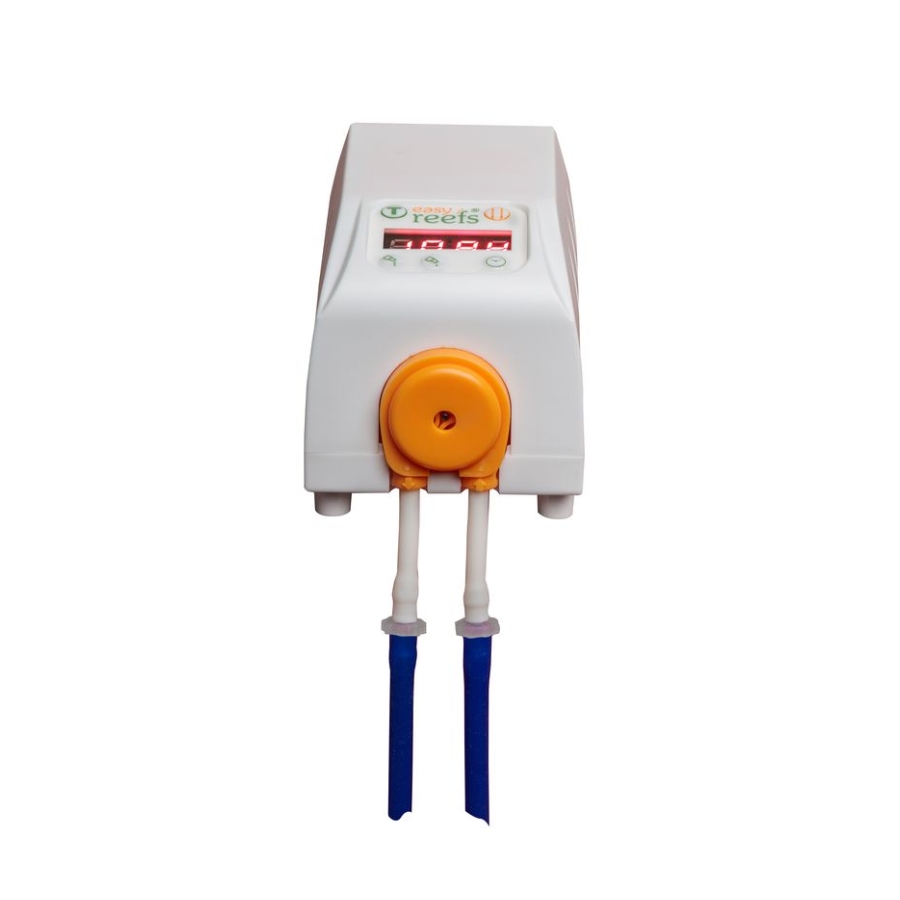
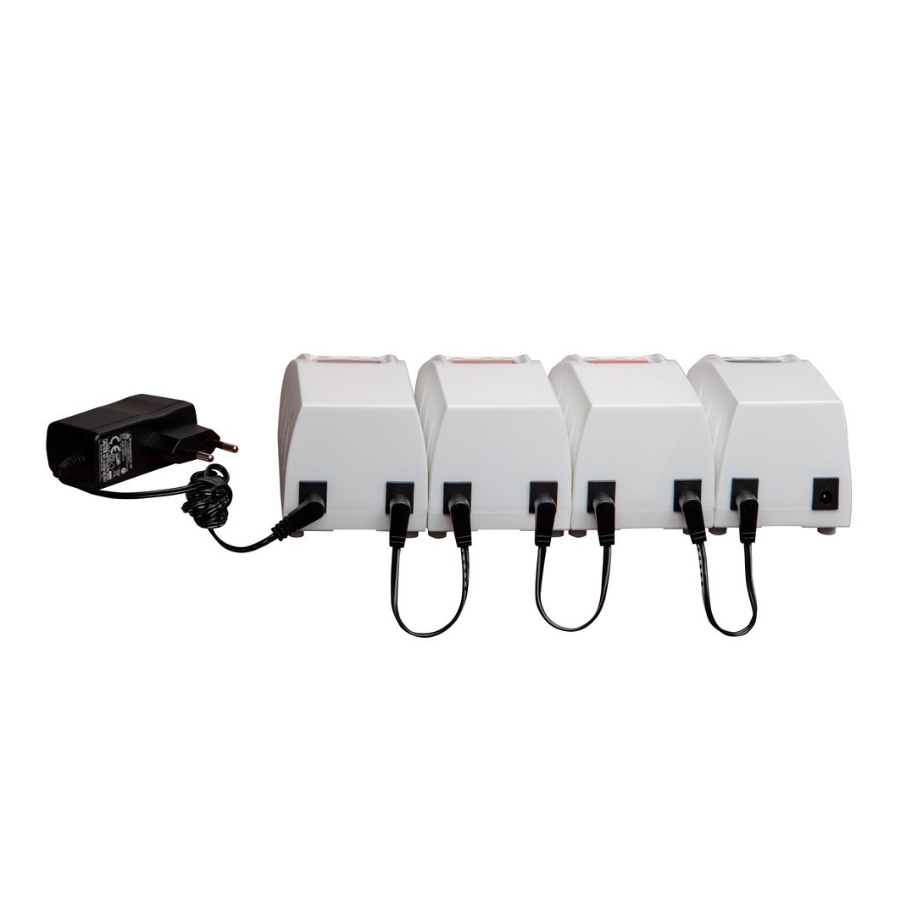
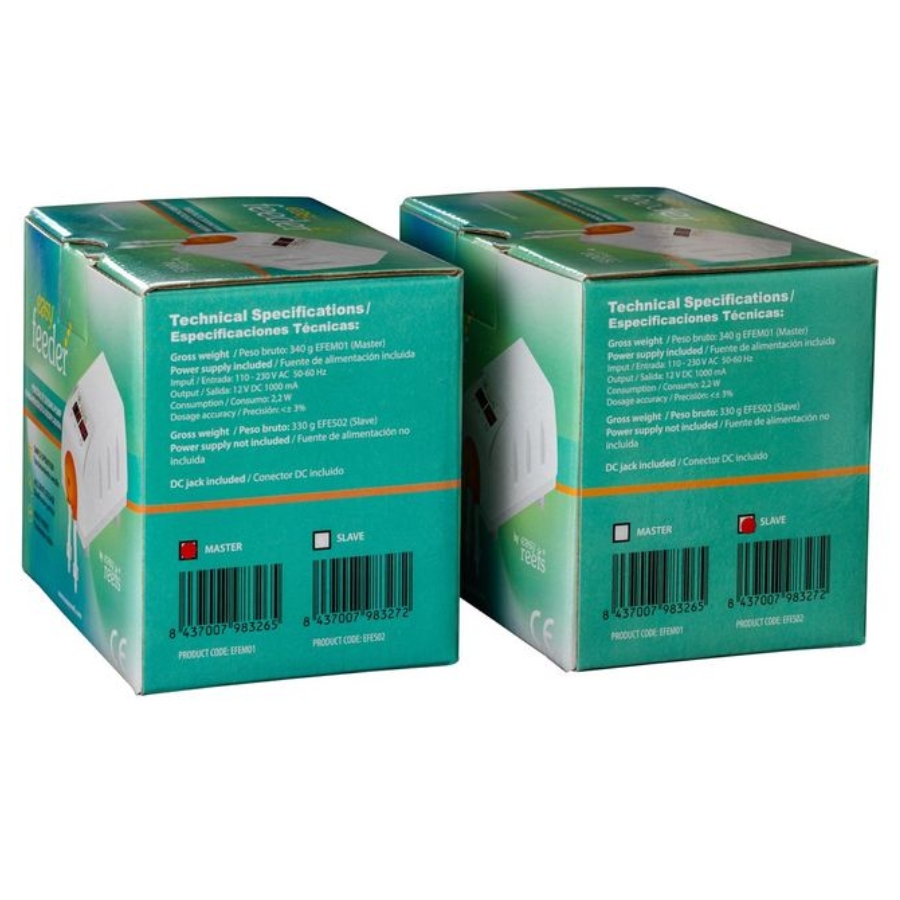
Our Easyfeeder peristaltic pumps, available in Master and Slave versions, allow regular and precise dosing.
They feature a simple display that makes them easy to set up and use.
| Installation | |
 |
|
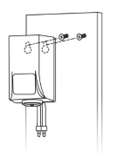 |
You can also hang the device using the provided holes. |
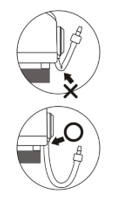 |
Avoid bending the rubber tube, as this would otherwise block the liquid being used and prevent the dosing pump from working properly. |
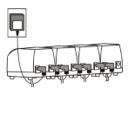 |
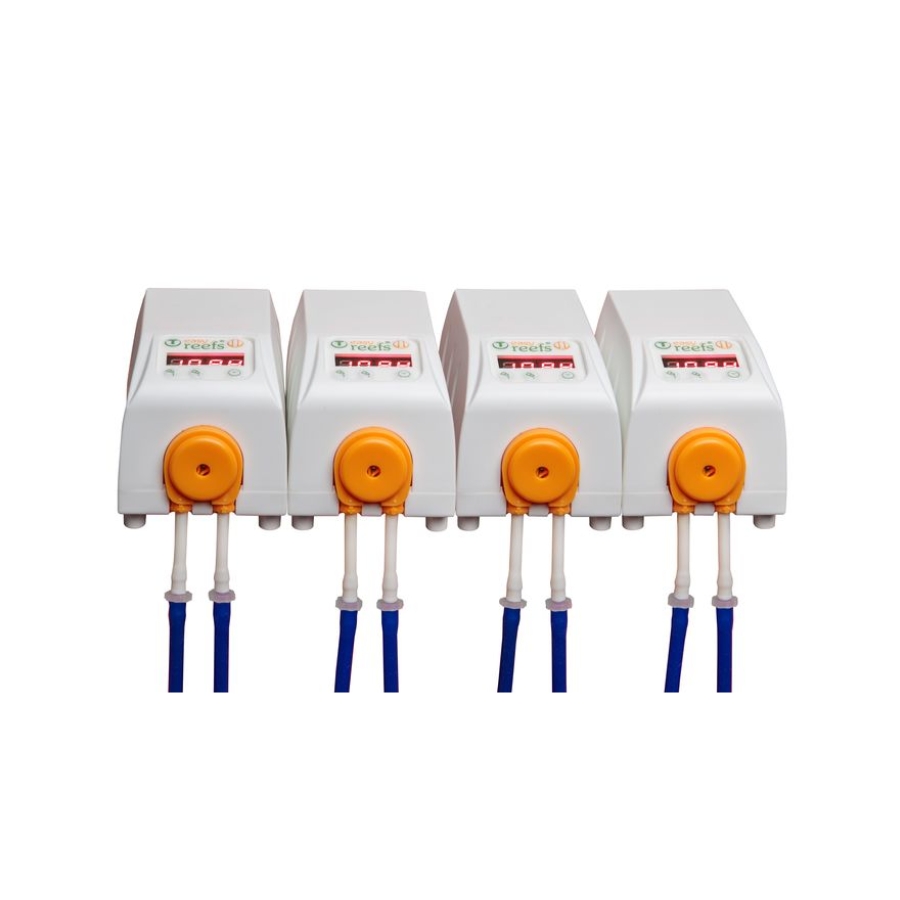
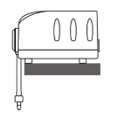
If you have more than one pump, place them side by side so the magnets align their position. Up to four dosing pumps can be placed in parallel. |
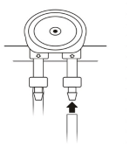 |
Place the rubber tube onto the liquid connector. Attention: right = inlet, left = outlet. |
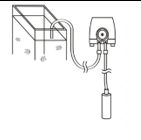 |
|
| Connection | |
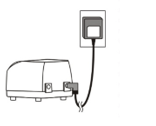 |
|
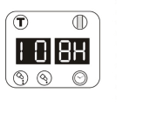 |
The value “10 8H” is shown on the screen as the preset value. It means it will automatically dose 10 ml every 8 hours. |
| Operating buttons | |
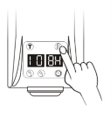 |
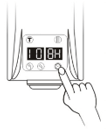
Press the button to make the liquid circulate through the tube in order to expel the air. |
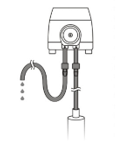 |
When both sides of the tube are filled with liquid, all the air will have been expelled from the circuit. At this point, stop pressing the button. Attention: Each time you change the liquid container, you must repeat this procedure. |
 |
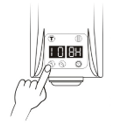
To adjust the dosing interval, press the button; the LED will indicate 1H→2H→3H→4H→6H→8H→Hd (12H)→1d→2d→3d→4d→5d→6d→7d→8d→9d with each press. When the LED indicates 8H, it means that 8 hours after pressing the button, the pump will automatically dose once; after another 8 hours it will dose again, and so on. |
 |
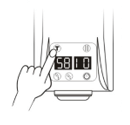
To adjust the amount of liquid to be dosed, press the volume adjustment buttons (UNITS) and (TENS). The range is 1–99 ml. |
| Dosing calibration. | |
 |
|
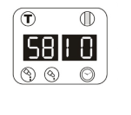 |
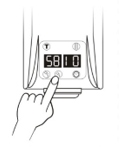
The LED screen will display “58 10”. “58” is the pump’s run time (it can be adjusted), and “10” is the value for the test dose. |
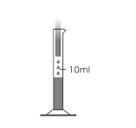 |
After 2 seconds, the pump will start dosing 10 ml. |
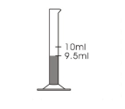 |
If the dose is less than 10 ml, for example 9.5 ml. |
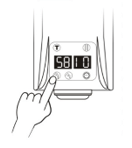 |
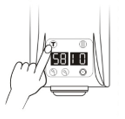
Then press the volume adjustment button; this will increase the pump’s run time from 58→59→60→61→… Repeat the test until the dosed amount equals 10 ml. |
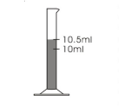 |
If the dose is greater than 10 ml, for example 10.5 ml. |
 |
Then press the volume adjustment button to reduce the pump’s run time from 58→57→56→55→… Repeat the test until the dosed amount equals 10 ml. |
 |
After finishing the test, press and hold the test button “T” for 4 seconds to return to normal operation of the dosing pump. |
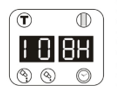 |
The LED screen will show the original setting value “10 8H”. |
| Operation delay. | |
| The delay function (5–55 min) is used when 2 to 4 units are connected, in order to prevent simultaneous dosing in the event of a power restoration or disconnection. | |
 |
|
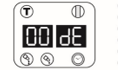 |
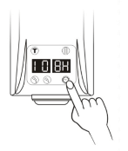
When the screen shows “00 dE”, it means the delay is 00 minutes. |
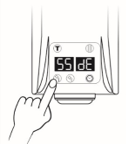 |
Press the volume adjustment button to increase the delay time from 0→5→10→15→…→55 (in 5-minute intervals). |
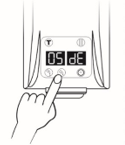 |
|
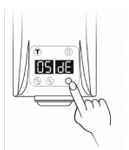 |
|
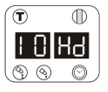 |
The LED screen will display the setting value “10 Hd”. |
| Quick operation test. | |
|
|
|
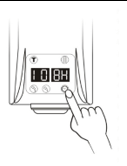 |
Press and hold the time adjustment button for 8 seconds. |
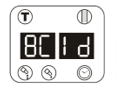 |
The LED screen shows “8C 1d”. This means that every 24 seconds (in the daily conversion, 1d = 24 hours becomes 24 seconds), it will automatically dose 8 ml. If the test is satisfactory, it means the dosing pump is working correctly. |
 |
|
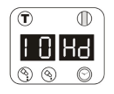 |
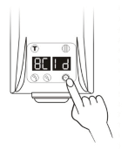
The LED screen will display the value “10 Hd”. |
| Maintenace. |
|
It is normal that, over time, both the rubber tube and the motor show signs of wear. Both require regular maintenance and replacement parts. Rubber tube: After operating for about 1,000 hours or 50,000 doses, it will need to be replaced. If used under extreme conditions, the rubber tube may need to be replaced more often. Motor: After around 800 hours of use, the motor will need to be replaced. The motor should be replaced as follows:
Note: If the motor and the rubber tube are damaged, you will need to replace the entire pump. |
Related products




Contacto
¿Tienes algunda duda, consulta o sugerencia?
Háznosla llegar a través del siguiente formulario